Custom Field
Welcome to the Custom Field section!
This guide walks you through creating custom fields in LightMesh. You can create custom fields for Subnets, IP Assignments, Zones, Sites, Datacenters, Customers, and Support Groups.
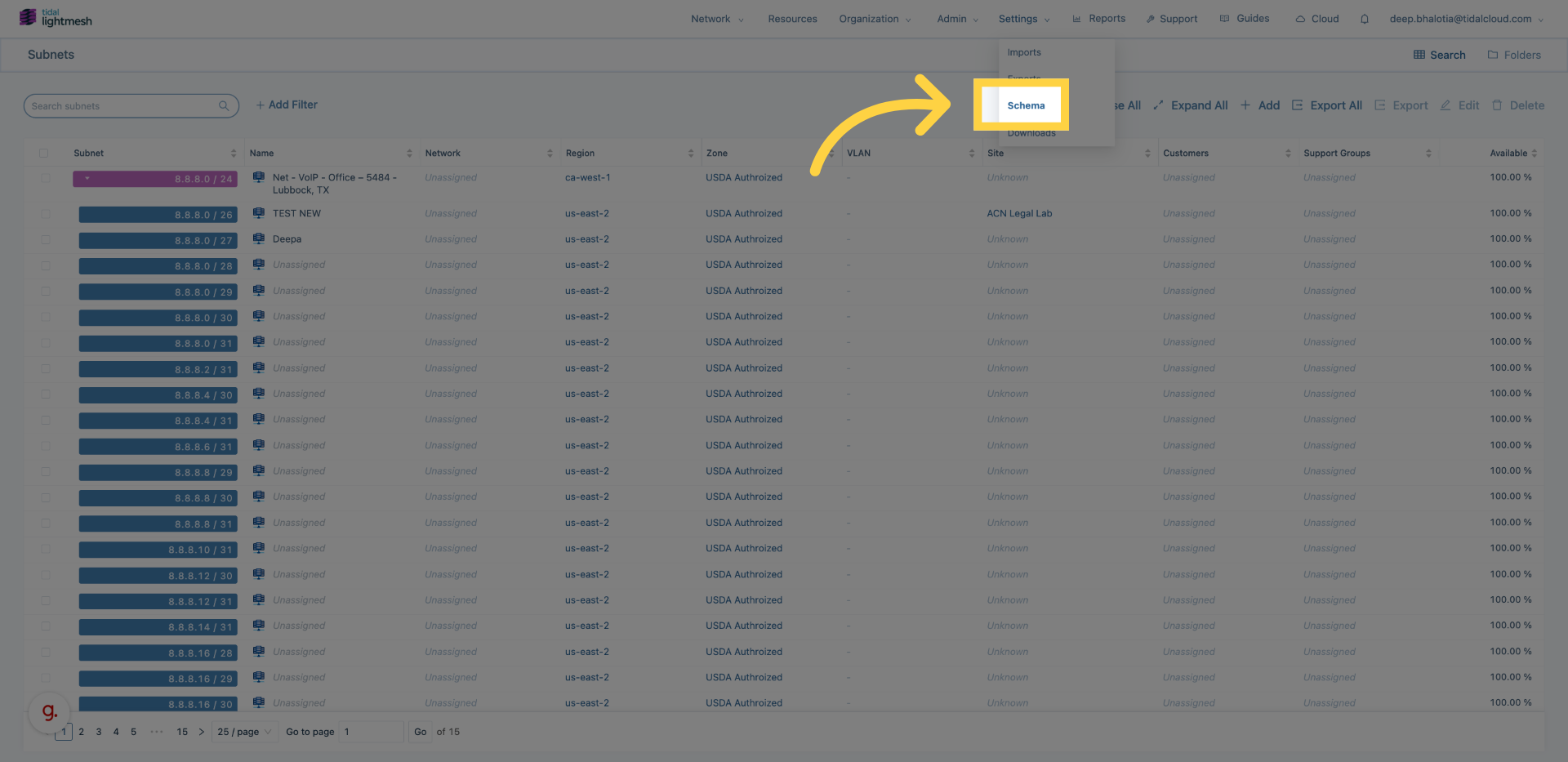
1. Open Settings > Schema menu
Click here to open the Schema menu.
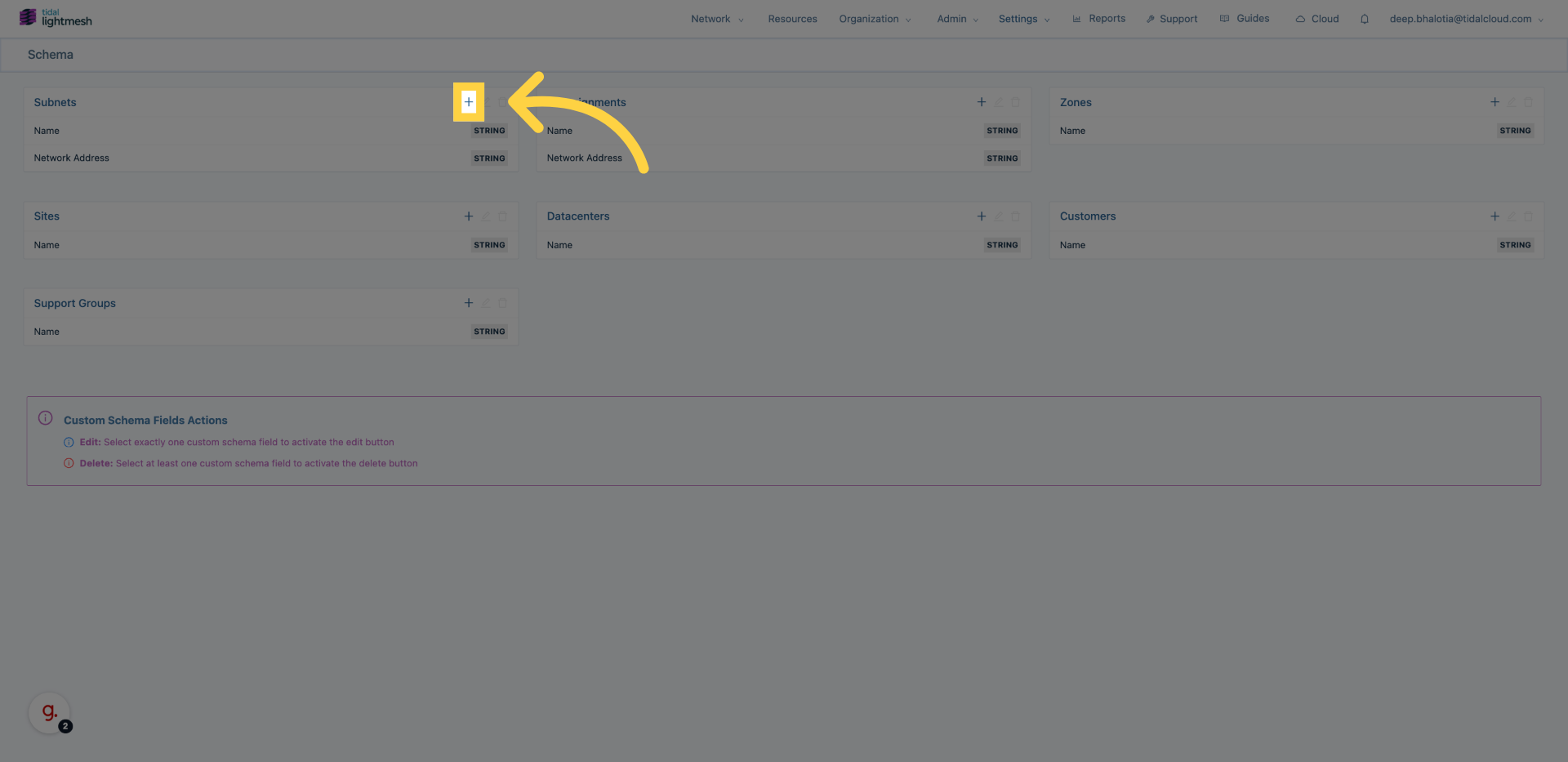
2. Access Subnet Configuration
Click here to open the Subnet configuration section.
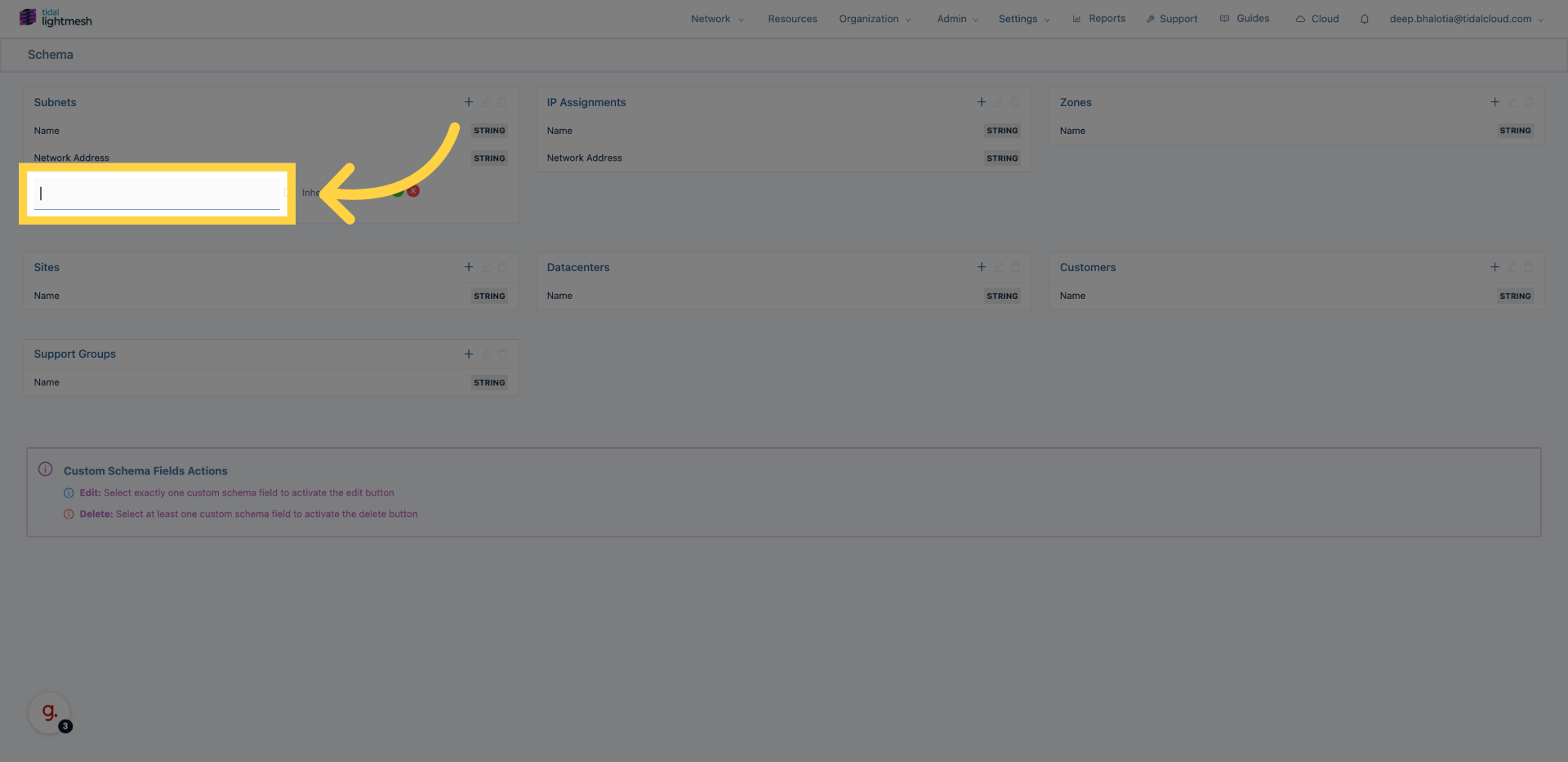
3. Initiate New Custom Subnet field
Click here to start creating a new custom field for Subnets.
4. Enter the custom field name
Fill out the name for the custom field.
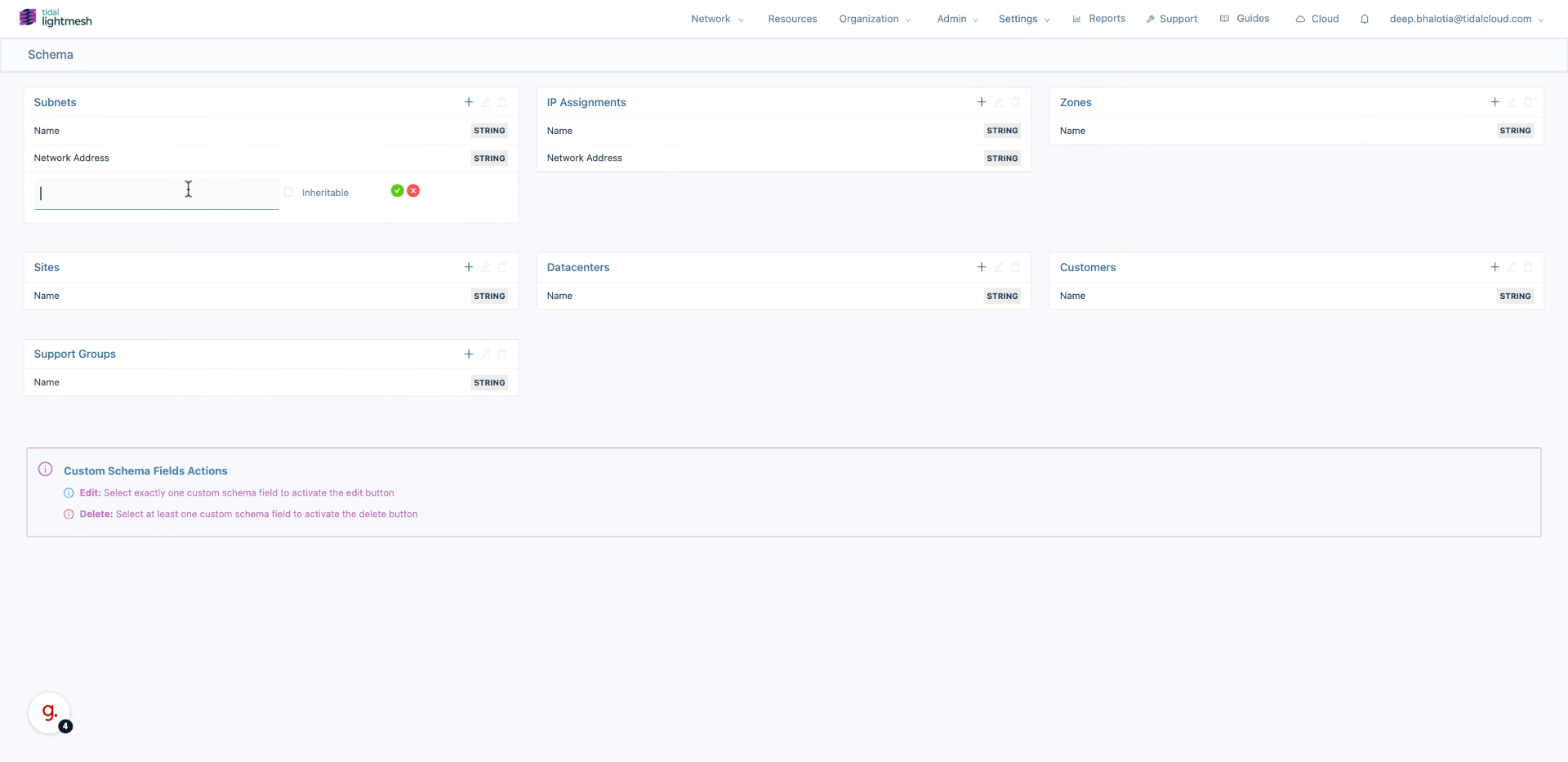
5. Enable Inheritable Option
Enable the Inheritable option to allow child objects to inherit this field value.
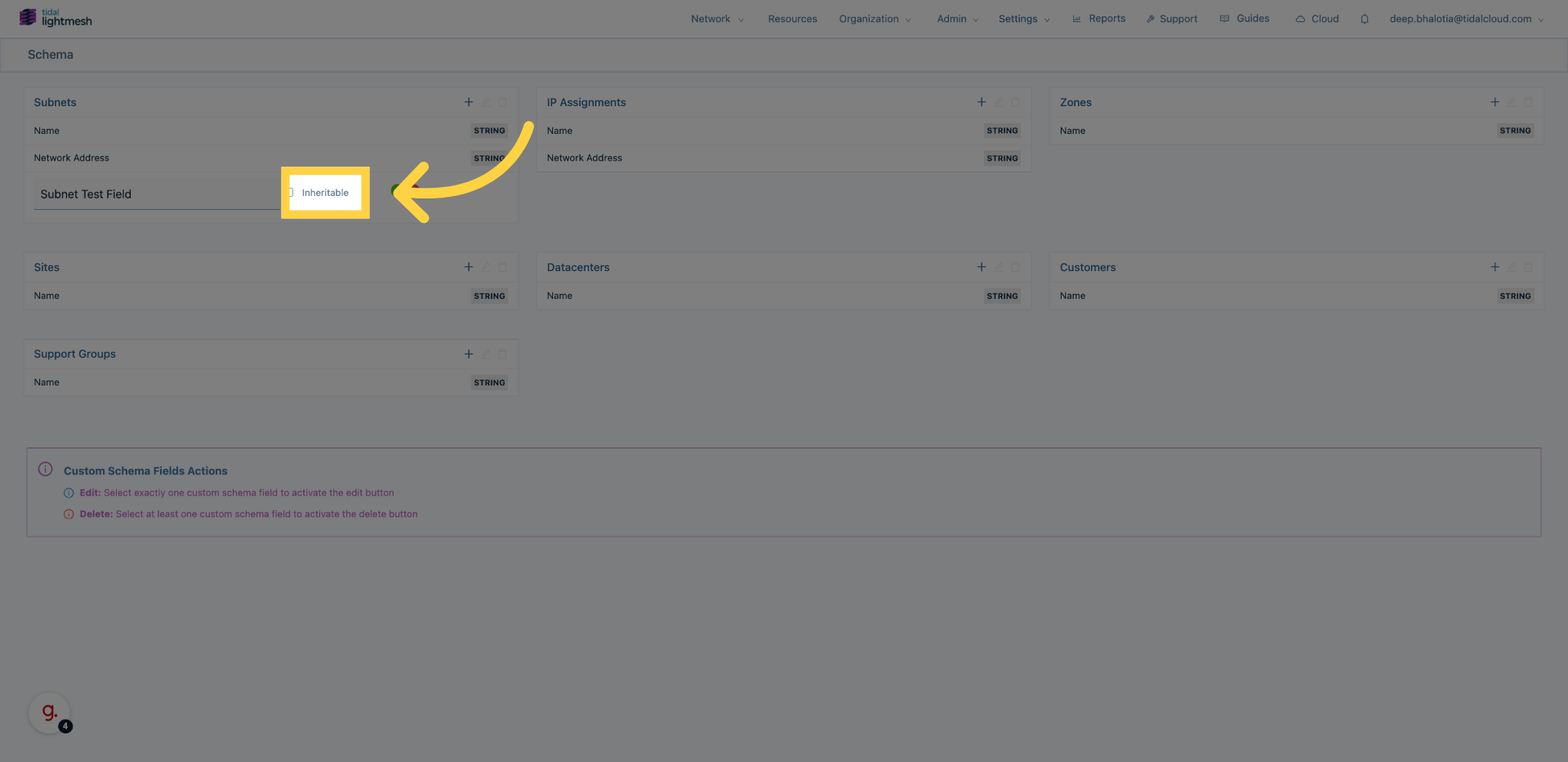
6. Proceed to Next Step
Click here to save the field.
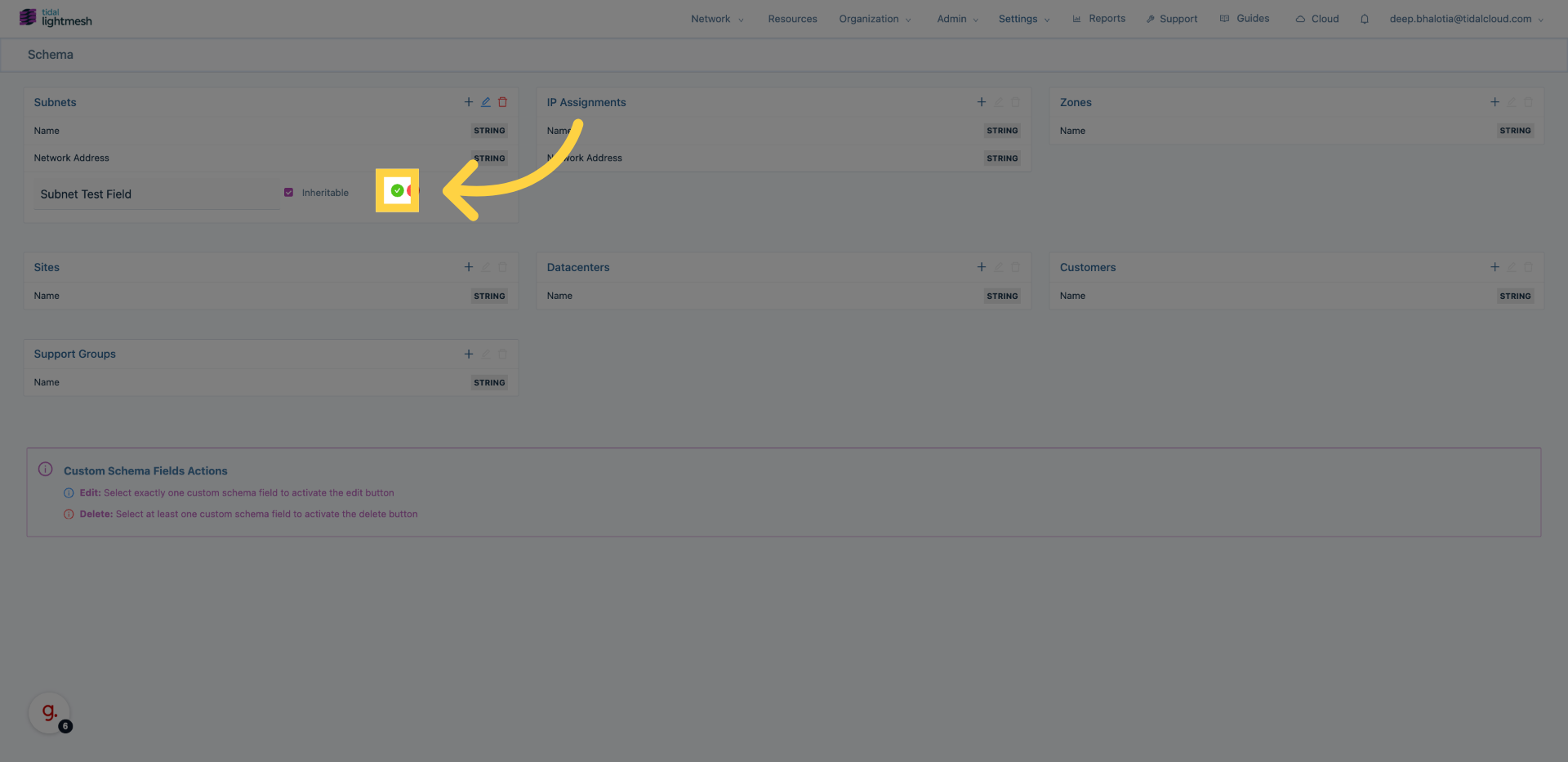
7. (Optional) Create custom fields for other endpoints
Repeat the same flow for additional endpoint types by opening their schema section and creating a new custom field.
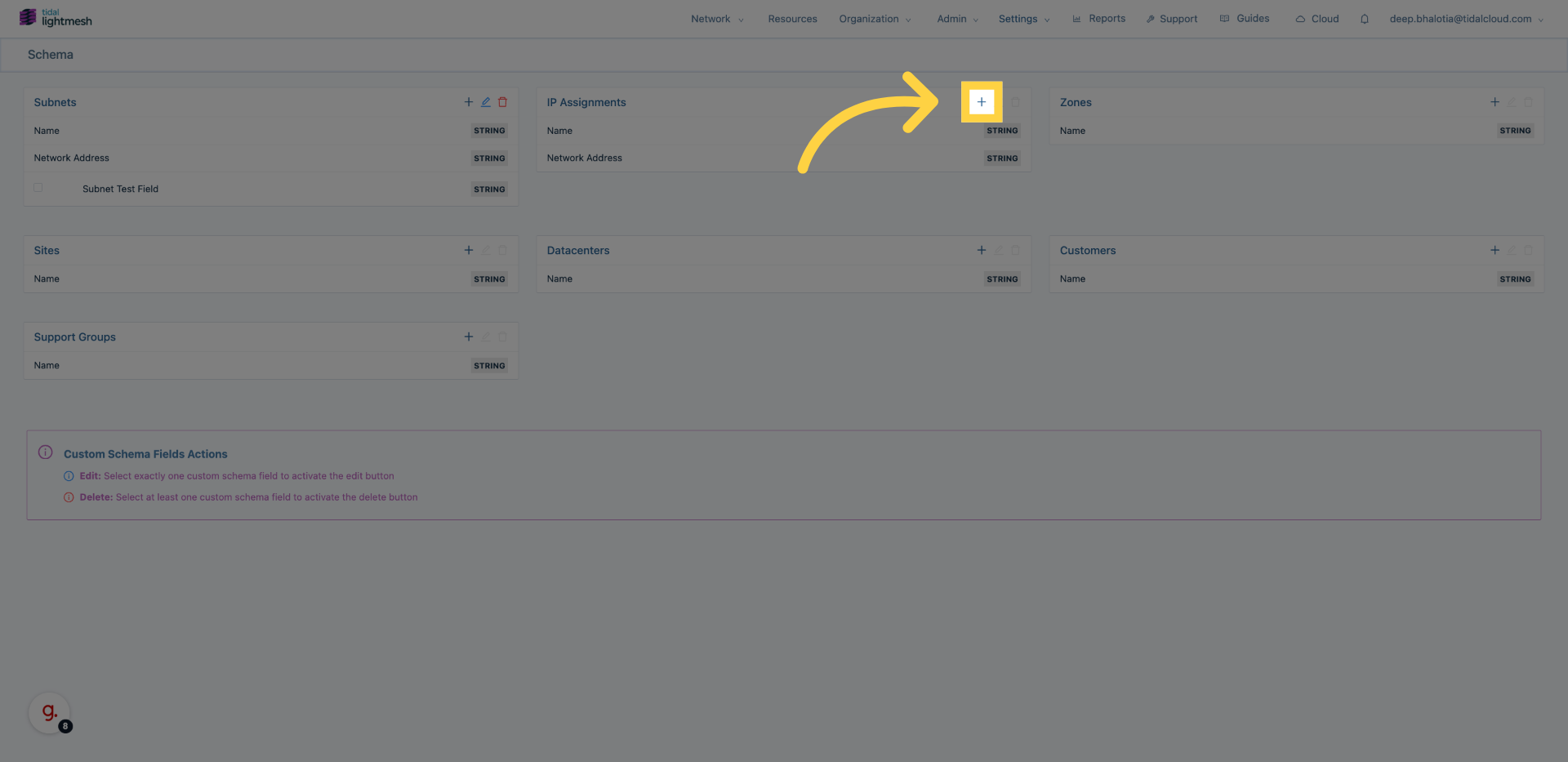
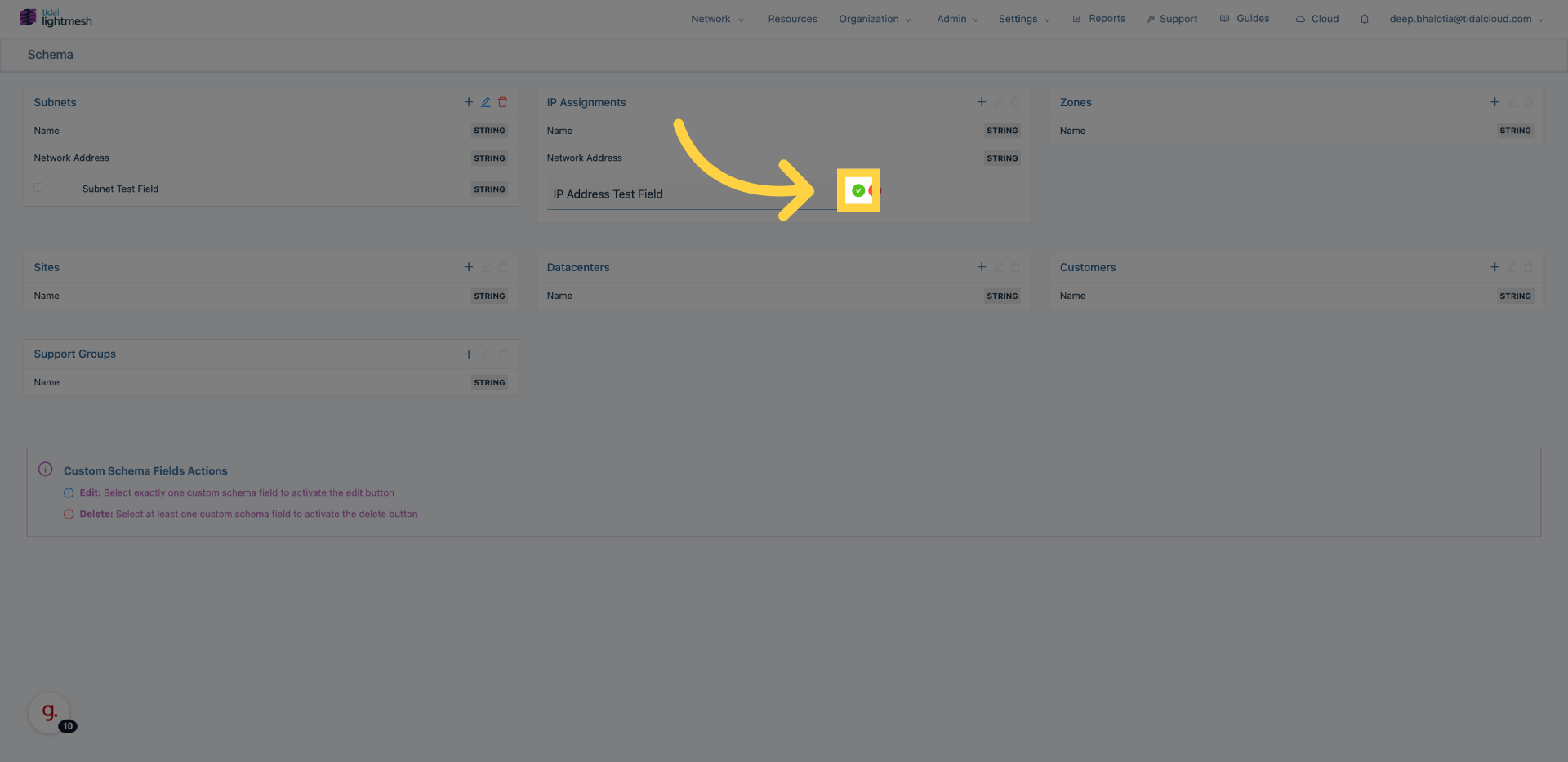
8. Choose endpoint and define field name
Select an endpoint (for example, IP Assignments or Datacenters) and enter the custom field name.
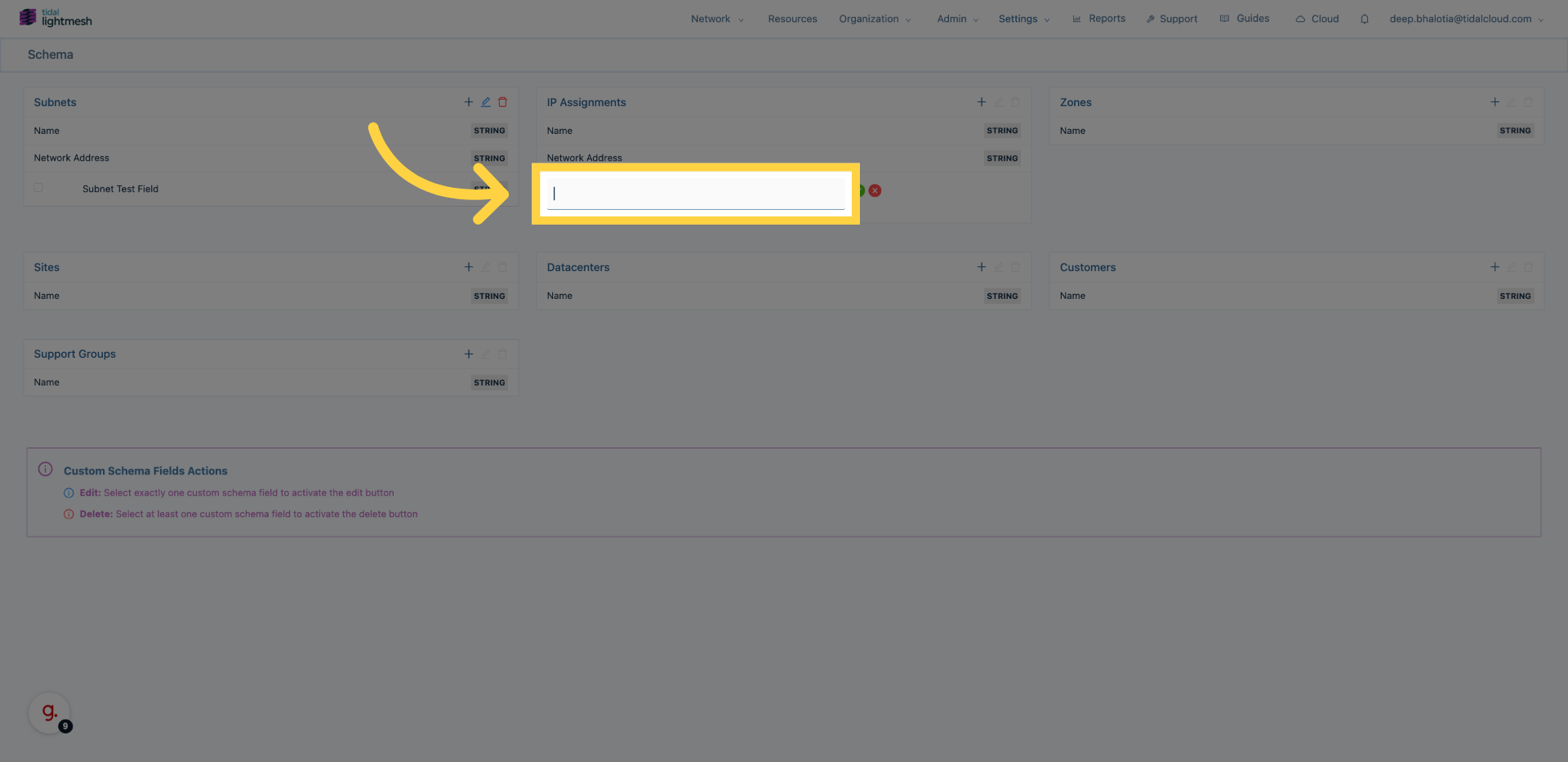
9. Save field configuration
Click here to save the field.
10. Verify the field is available
Open the selected endpoint to confirm the new custom field appears in its schema.
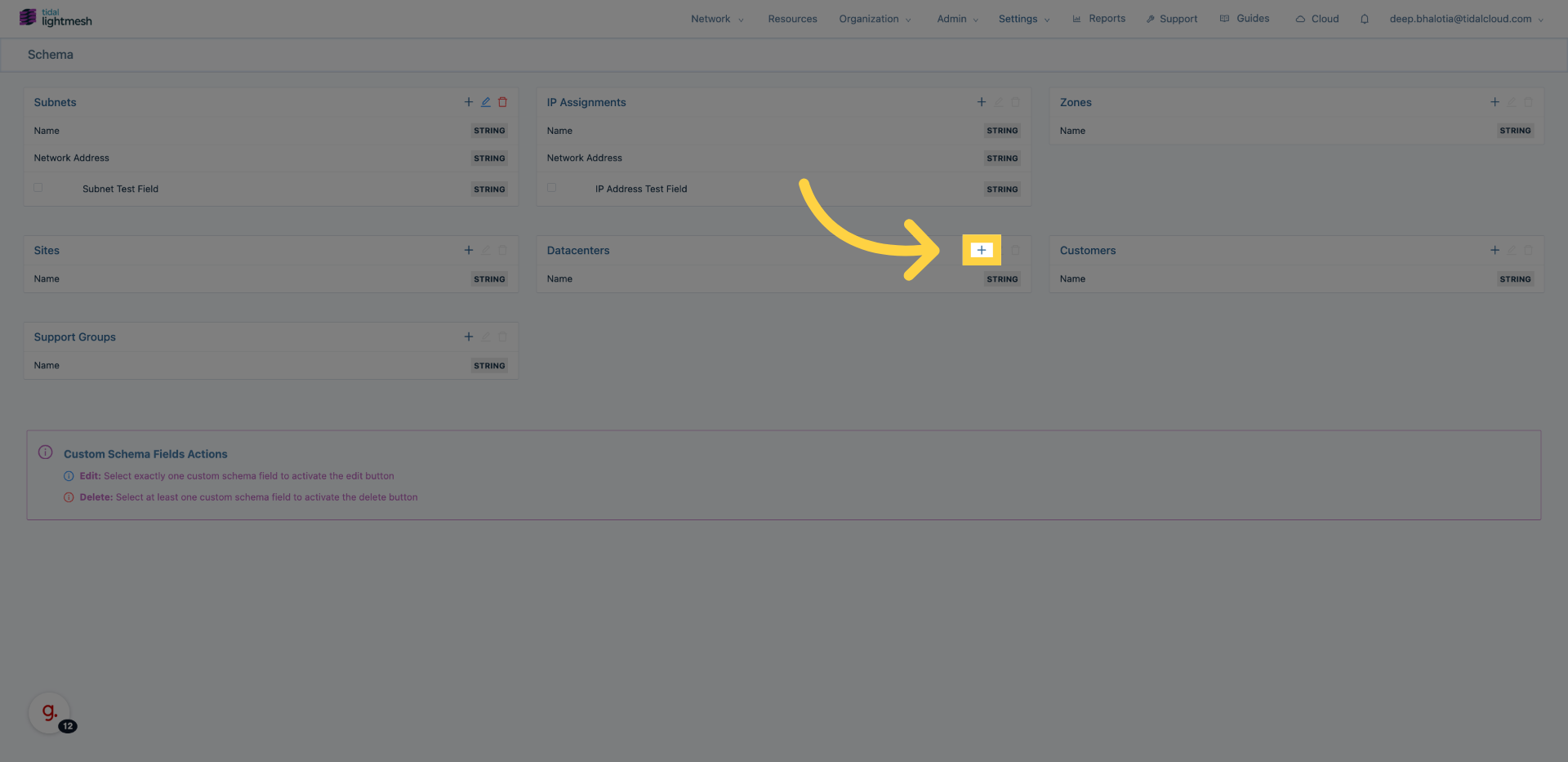
11. Repeat as needed
Repeat this process for any other endpoint types that require custom metadata.
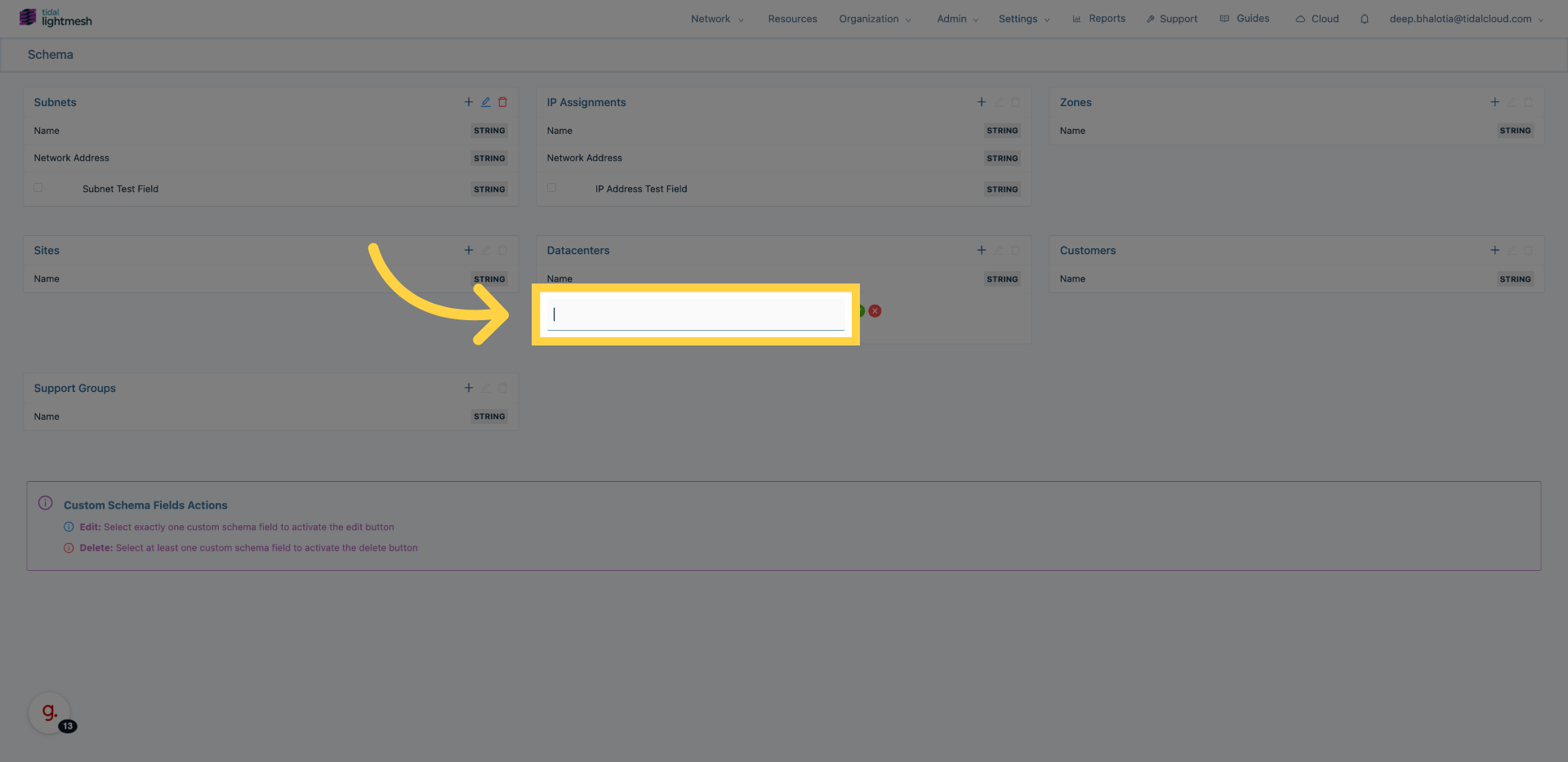
12. Finalize Configuration
Click here to finalize and save your schema updates.
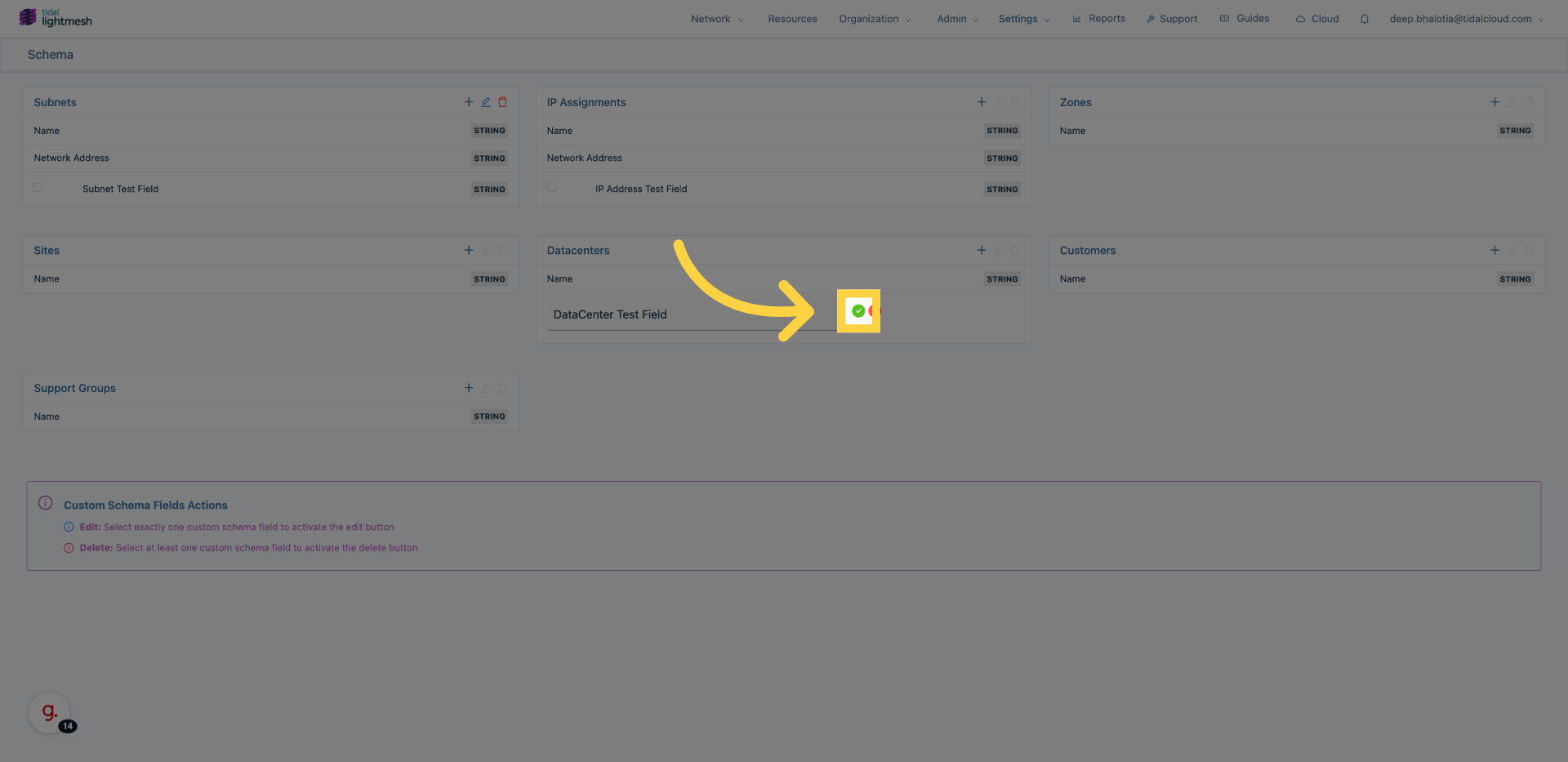
You have successfully created a custom field in LightMesh and learned the repeatable workflow for defining custom fields across endpoint types.